
You can access Oolio Capital from your Oolio Pay Portal. Follow the steps below:
-
Sign in to your Oolio Pay Portal.
-
From the left-hand menu, select Oolio Capital.
-
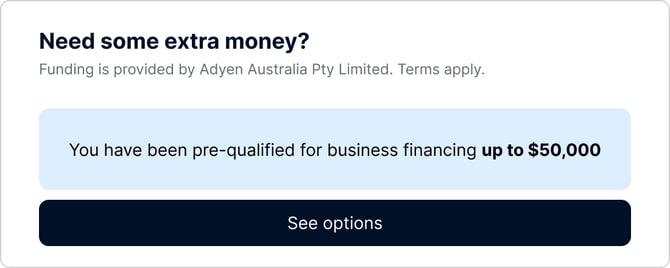
If your business is eligible, you will see your available funding offer.
- Select the offer to view more details.
If you can't see Capital in your Oolio Dashboard, it might be because:
- Your venue is not currently eligible, please check back later or contact your account manager
- Your current user profile does not have access to capital.
- You are viewing it from a different venue. Please switch to a different venue.
- Capital is not currently available for your business
Contact your Oolio account manager or Oolio Support for help.